Security Alert: How to Check for the "Shai-Hulud" Compromise
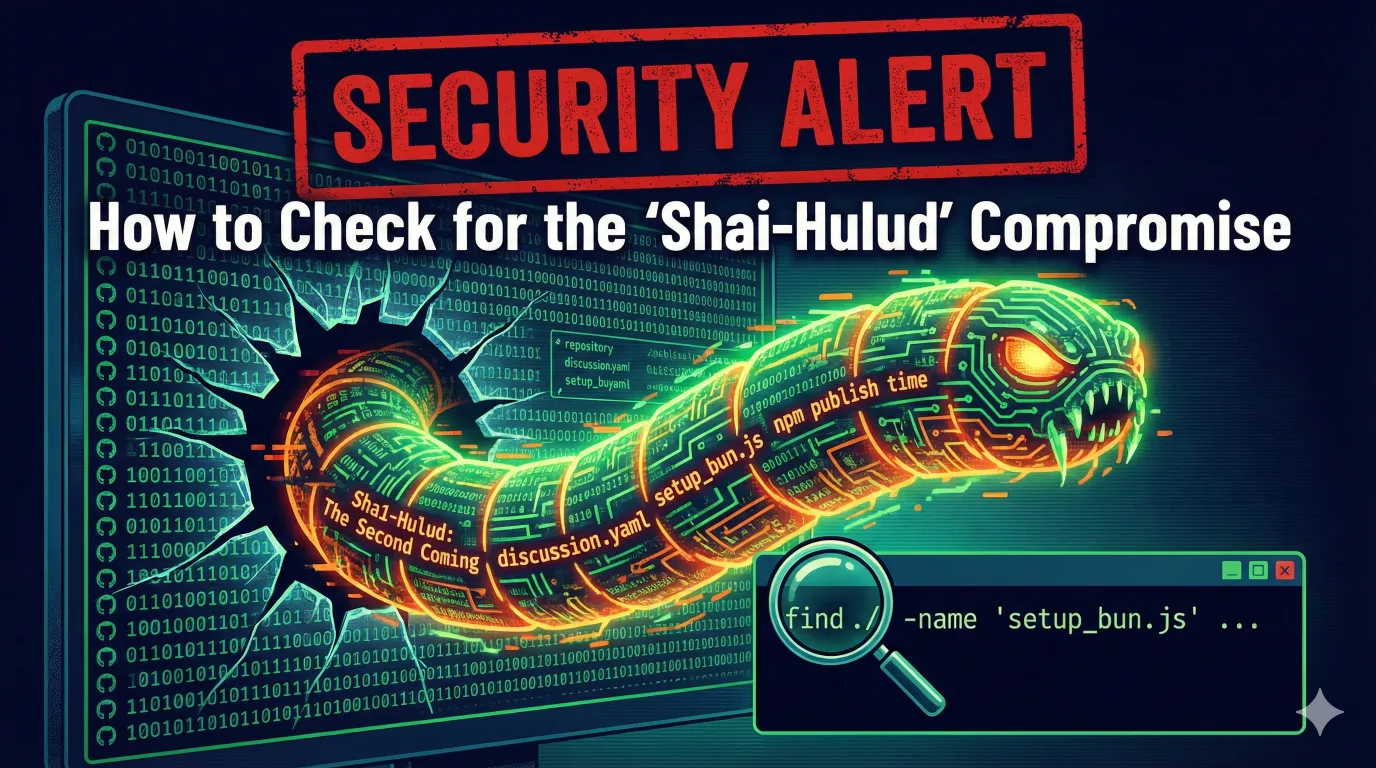
If you suspect your development environment or GitHub account may have been compromised by the “Shai-Hulud” malware, it is critical to act fast. This attack vector specifically targets GitHub repositories, CI/CD workflows, and local environments to inject malicious code and compromise npm packages.
Below are four steps to verify if your systems have been infected.
1. Check Your GitHub Repositories
The first sign of infection is often “digital graffiti” left behind by the attacker. You need to check your repository list for unauthorized creations or renames.
- Navigate to:
https://github.com/[your-username]?tab=repositories - Action: Scan your repositories or use the search bar for the following phrase:
Sha1-Hulud: The Second Coming
If you see a repository with this description or name, your account access has likely been compromised.
Also you will need to check your GitHub Security log.
2. Inspect GitHub Workflows
The malware often attempts to establish persistence by modifying your GitHub Actions workflows. It specifically targets discussion workflows to run unauthorized code.
- How to check: Search your repositories for a suspicious YAML file.
- Search Query: Copy and paste the following into the GitHub global search bar (replace
[user/org]with your actual username or organization):
owner:[user/org] path:.github/workflows/discussion.yaml
If you find a discussion.yaml file that you did not create, inspect its contents immediately. This file is often used to trigger malicious scripts.
3. Scan Your Local Environment
The infection leaves specific artifacts on your local machine, particularly targeting Bun runtimes and cloud configurations.
Run the following command in your terminal (at the root of your workspace or home directory) to scan for known malicious file names:
find . -type d -name "node_modules" -newermt "2025-11-20" -prune 2>/dev/null \
    | xargs -I {} find $(dirname {}) -name "setup_bun.js" -o -name "bun_environment.js" \
        -o -name "cloud.json" -o -name "actionsSecrets.json" 2>/dev/null | uniq
Result: If this command returns any file paths, do not execute them. These are strong indicators of a local infection.
4. Audit Your NPM Packages
Finally, check your published packages for supply chain attacks. The attacker may have used your credentials to publish a compromised version of your package.
Run the following command for your key packages:
npm view [packageName] time
What to look for: Review the timestamps of the latest versions. If you see a release timestamp that you do not remember publishing, your npm authentication token has been compromised.
⚠️ What to do if you find these indicators?
If any of the checks above return positive results:
- Revoke all tokens: Immediately revoke GitHub Personal Access Tokens (PATs) and npm tokens.
- Rotate secrets: Change your cloud provider keys (AWS, etc.) found in any exposed JSON files.
- Clean install: Wipe the infected local environment.
- Enable 2FA: Ensure Two-Factor Authentication is enforced on all accounts.